
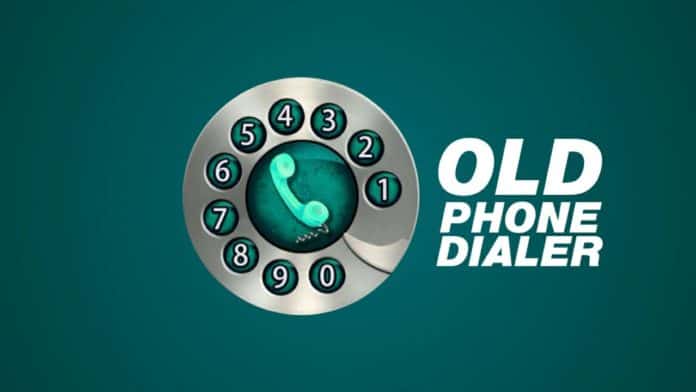
You must want to use the old rotary-style phone dialer on your phone. Every phone has a phone dialer but that phone dialer looks normal and boring. You must want to customize the phone dialer that look very unique.
But you don’t know how to use the rotary or old-style phone dialer. Today I am explaining to you about the use of the old rotary style phone dialer on your phone. Read this post till the end to know more about this.
Old Phone Dialer Keypad
Old Phone Dialer Keypad is one of the best phone dialer apps that allows you to call using an old-style phone. You can use the keypad or rotary-style dialer pad.
Features
- Change the Dialer keypad
- Use multiple themes
- Search contacts
- Send SMS
Also, Read Set the new and unique style password lock.
How can you use the Old Phone Dialer Keypad app on your phone?
Make sure you have already the Old Phone Dialer Keypad app on your phone, if you don’t have one, you must download this app. Now how can you download this app on your phone?
Go to the end of the post where you will find the download button. Press the download button to download and install the app on your phone. Open the app after installing it and tap on the accept option.
Tap on the phone dialer icon and grant the media file permission to this app after a tap on the accept option. Dial your number by tapping on that number and moving the number from left to right to enter the number. Tap on the phone icon to call whom number you enter. Now you can call anyone with an old dialer keypad.
For the latest tech news, follow Hogatoga on Twitter, Facebook, and Google News For the latest videos tech-related, Subscribe to our YouTube channel and Newsletter.
















Install