
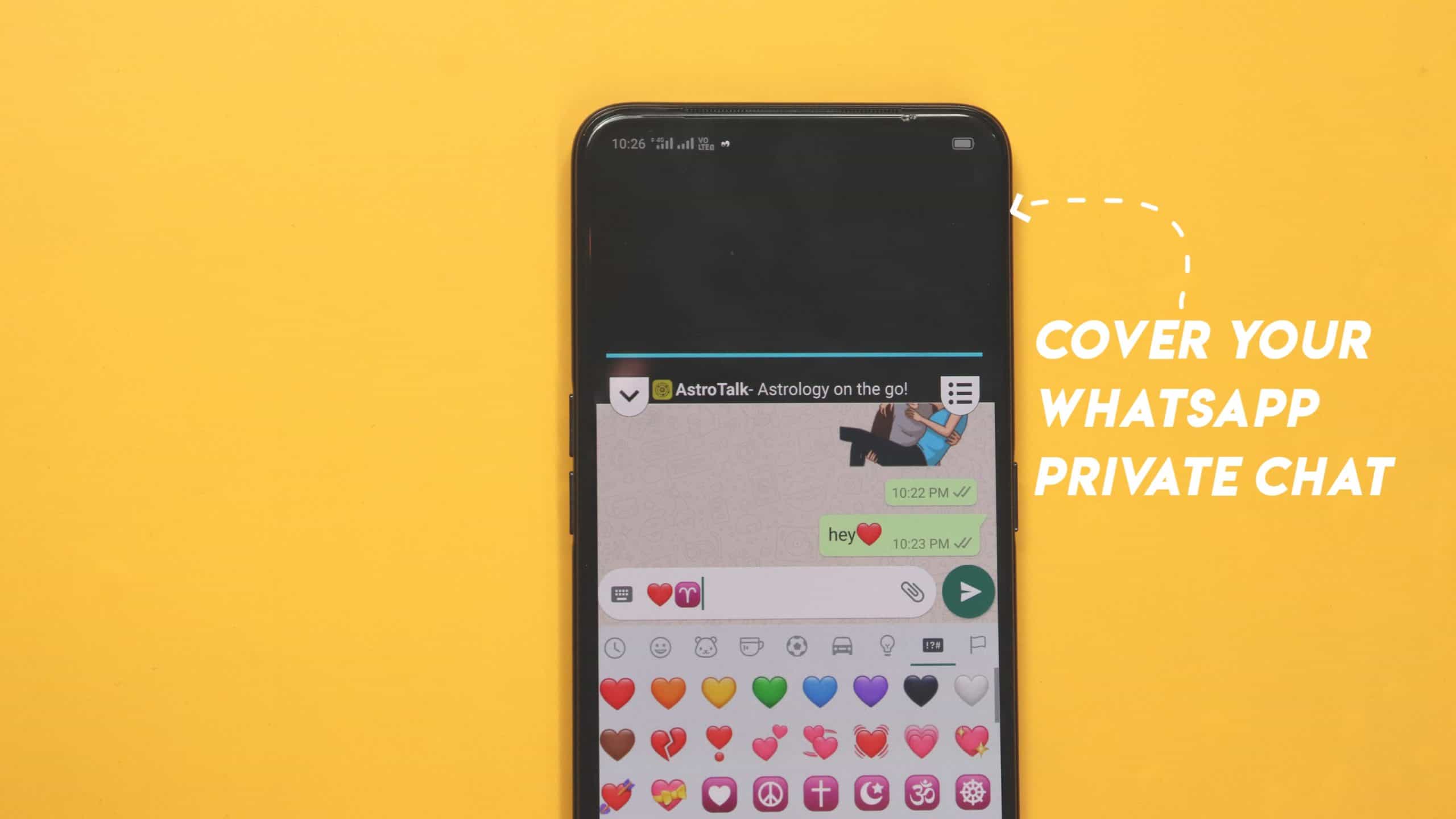
How to cover the WhatsApp chat screen? Are you worried that someone will see your private chat while you are chatting with a friend? and how to chat privately while you sitting in the middle of the family. so now after reading this post, you will be happy, because we have the best instruction that really helps to hide your private chat.
If you chat with a friend while your all family is present around you and no one is displaced from you. I know you will never try to chat with them why? because you fear someone sees your privacy as your family member. In this situation, what you will do?
I explain it lets have to look further into the post. How it works and how to save it. Your privacy chats to hide are your responsibility. How to make a better responsible man. While you chat on WhatsApp anyone is present behind you.
how do you talk? yes, now you will chat on WhatsApp in front of everyone with the Help Mask app. This is an app that helps you hide your chat.
This works as Curtin for any private room similarly this app also provides such a screen while you chat privately with a friend it covers your chat screen. Suppose you chat and some sit behind and unfortunately, you need a chat with a special friend.
How to cover the WhatsApp chat screen on your Android?
I know you don’t you about this app anywhere. First, you will download this mask app from below.
you will have to scroll below to download the button from there you can easily download this app after all you can enjoy this app and you can chat with a friend in front of all people through the Help Mask app that covers yours.
For the latest tech news, follow Hogatoga on Twitter, Facebook, and Google News For the latest videos tech-related, Subscribe to our YouTube channel and Newsletter.
Watch the video

















Voice look